
How to Open a BPI Account Online and Enroll in Auto-Debit: A Complete Guide for OFWs
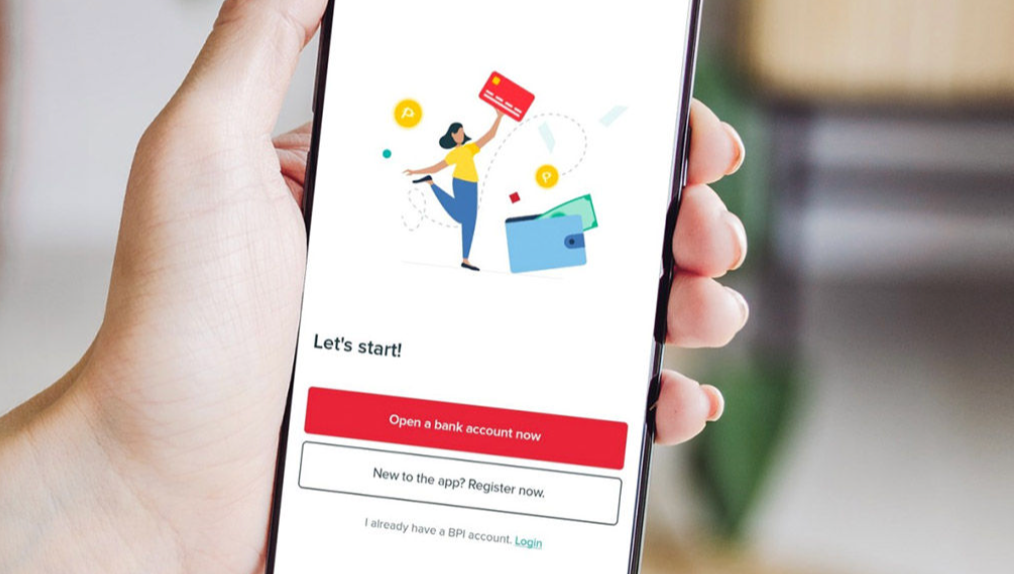
For Overseas Filipino Workers (OFWs), managing finances back home can be challenging. Between long work hours, time zone differences, and limited access to Philippine bank branches, it’s essential to have a convenient and reliable way to handle money.
Good news: you can now open a BPI (Bank of the Philippine Islands) account completely online — no branch visit required. You can also set up auto-debit arrangements to automatically pay bills, loans, or investments.
This step-by-step guide will help OFWs open a BPI account from anywhere in the world and enroll it in auto-debit for worry-free financial management.
Plus, for OFWs buying property in the Philippines, once your account is set up, you can easily pay your monthly down payments via ADA (Auto-Debit Arrangement). This eliminates the need to open a checking account — which is often difficult to do if you’re based abroad and have no immediate plans to return home. It also removes the hassle of using a relative’s checking account, where you have limited visibility and control.
My husband and I use BPI as our main bank, and we’ve used the ADA feature to pay for the mortgage on one of our property investments. It’s been seamless, convenient, and stress-free.
Why BPI Is a Great Choice for OFWs
BPI has been one of the most trusted banks in the Philippines for generations. Here’s why OFWs prefer BPI:
- Fast online account opening
- Accessible mobile app from anywhere
- Easy remittance linking
- Auto-debit for bills and investments
- Strong security features
STEP 1: Download the BPI App
Available on both iOS and Android, the BPI Mobile App allows you to open an account in minutes.
Download Links:
- Google Play – search "BPI Mobile"
- Apple App Store – search "BPI Mobile"
STEP 2: Choose "Create a Bank Account"
Once the app is installed:
- Open the BPI app
- Tap "Create a bank account"
- Select "Open a deposit account"
BPI currently allows online opening for the following accounts:
- BPI Regular Savings Account (with or without debit card)
- BPI #SaveUp Digital Savings
- BPI e-Savings
Tip for OFWs: Choose an account that allows easy online access and has minimal maintaining balance.
STEP 3: Prepare Your Requirements
You’ll need to upload the following:
- Valid Philippine ID (e.g., Passport, UMID, National ID, Driver’s License)
- A selfie for identity verification
- Philippine mobile number
- Philippine address (can be your home address)
STEP 4: Complete the Online Application
Fill out the form with your:
- Full name
- Birthdate
- Address
- Contact number
Then, take a live selfie and upload your ID. BPI will validate your identity in a few minutes.
STEP 5: Fund Your Account
After approval, you must initially fund your account. You can do this through:
- GCash
- Maya
- Online bank transfer
- Remittance partners abroad
- Cash deposit at a BPI branch (if someone deposits for you)
Your account becomes fully active once funded.
STEP 6: Enroll in Auto-Debit Arrangement (ADA)
This is useful for:
- Real estate amortization
- Car or personal loans
- Insurance premiums
- Monthly investments (UITF, BPI Invest)
- Utility bills (Meralco, Globe, etc.)
How to Enroll in Auto-Debit
Most developers and loan providers follow this process:
Option A: Enrollment via Partner Company (Most Common for Real Estate)
- Ask your developer (e.g., Ayala Land, Camella, A Brown, etc.) for their Auto-Debit Enrollment Form.
- Fill it out with your BPI account number.
- Sign the form and send it back to the developer/billing department.
- They will submit it to BPI.
- Wait for 5–10 banking days for activation.
Option B: Enrollment via BPI Branch (If required)
For some lenders or billers, a manual enrollment at any BPI branch may still be needed. For OFW’s you can simply have your representative hand carry your signed ADA form and submit it at the bank.
You (or your representative) will present:
- Auto-Debit form
- Valid ID
- BPI account number
STEP 7: Monitor Your Auto-Debit in the BPI App
Once activated:
- Open the BPI App
- Go to "Other Services"
- Check your Scheduled Payments or transaction history
Your scheduled amount will automatically be deducted each month — no need to worry about forgetting payments while abroad. Just make sure that your account is funded to avoid penalties.
Tips for OFWs Using Auto-Debit
- 🔐 Always maintain balance before the due date
- 📆 Set reminders on your phone 3 days before auto-debit
- 📩 Check notifications — BPI alerts you if deduction succeeds or fails
- 🧾 Keep digital copies of receipts and confirmation messages
- 💸 Encourage family to deposit to your BPI account if funds are low
Why Auto-Debit Is Helpful for OFWs
- Ensures on-time payments
- Avoids penalties and interest
- Reduces stress and manual monitoring
- Perfect for real estate amortizations
- Lets you focus on work abroad while finances run smoothly
Opening a BPI account online and enrolling in auto-debit gives OFWs complete financial control—wherever they are in the world.
Ready to buy property in the Philippines?
If you’re an OFW planning to invest in real estate and want a smooth, automatic way to manage your monthly payments, I can guide you through the entire process—from choosing the right property to setting up ADA for hassle-free payment.
📩 Message me anytime for assistance or property recommendations. Let’s make your investment journey simple, secure, and stress-free.





Leave a Reply